

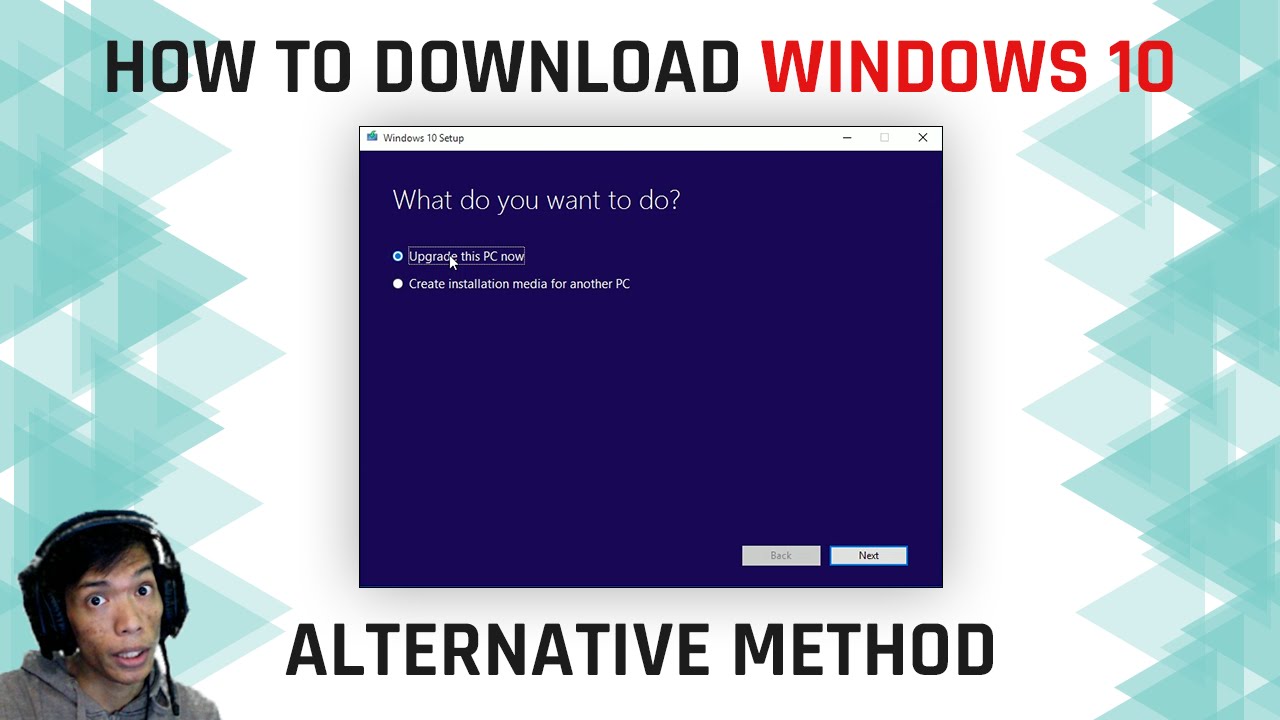
How to Direct Download Windows 10 ISO
In this post we will teach you on how to download Windows 10 using the Direct Link method and this is the 3rd method of our tutorial for Windows 10. We received a message from our readers that they only have limited internet connectivity so they ask us on how to download the Windows 10 ISO file directly so they can use download manager like Internet downloader.
Actually it’s very easy and Microsoft is offering that service to end-user simply follow this process.
first is visit the url below
Download Windows 10 Direct Link
Scroll down and look for the Windows 10 ISO download section and select the edition you want, for this example I will choose Windows 10 Single Language
Next is you need to select the product language, I choose the english international for this example
After that it will now load the Downloadable URL for both 32bit and 64bit ISO files , with this method you can use any download manager applications to continue your download in case it gets interrupted.
Here is a quick video walk through on the process

Comments
No comments yet. Be the first to share your thoughts!