

How to Update Firmware Cam 200 by Playground
WATCH THE VIDEO TUTORIAL
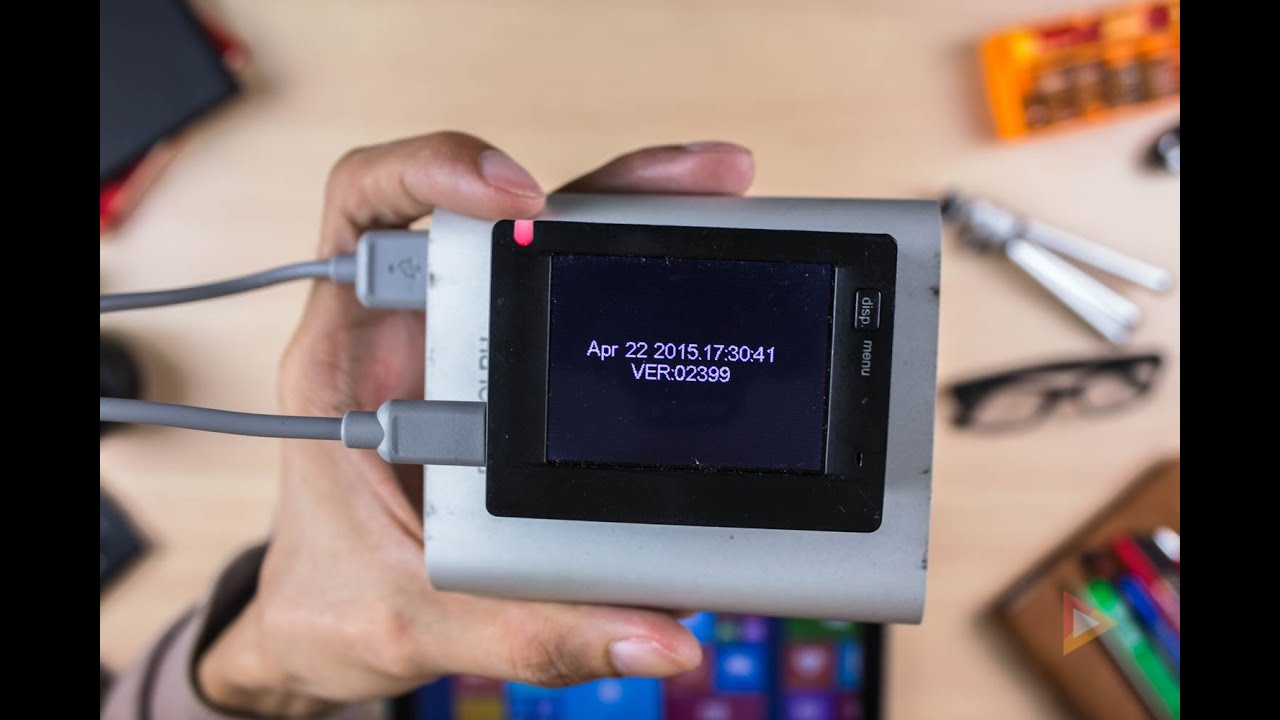
Here is the quick way to update the firmware of Playground’s CAM 200, the new firmware build is version 02399.
Furst is you need to download the file below
DOWNLOAD THE FIRMWARE
Once downloaded just Unzip the file
Then copy the 2 files at the root directory of the Micro SD Card any capacity will do but be sure to format the card first before copying the files below.
- card_fw_update.mrk
- SPHOST.BRN
Next insert the Micro SD to the CAM 200 and press the powerbutton / Mode button.
Then it will show the FIRMWARE UPDATE message and to select yes you need to navigate the blue color highlight using the wifi button on the right side of the cam 200.
wait for a 1–2 minutes for it to finish the update don’t panic it will automatically shutdown once it has updated the firmware. but be sure to have battery juice when updating plug it to a powerbank or usb charger.
Before booting up the device after updating be sure to remove first the Micro SD card so it will not update again or just simply format the card again, to remove the firmware file.
there you go that is how easy to update the firmware of the CAM 200 feel free to leave a feedback or if you have any issues upon updating feel free to comment down below 🙂

Comments
No comments yet. Be the first to share your thoughts!