

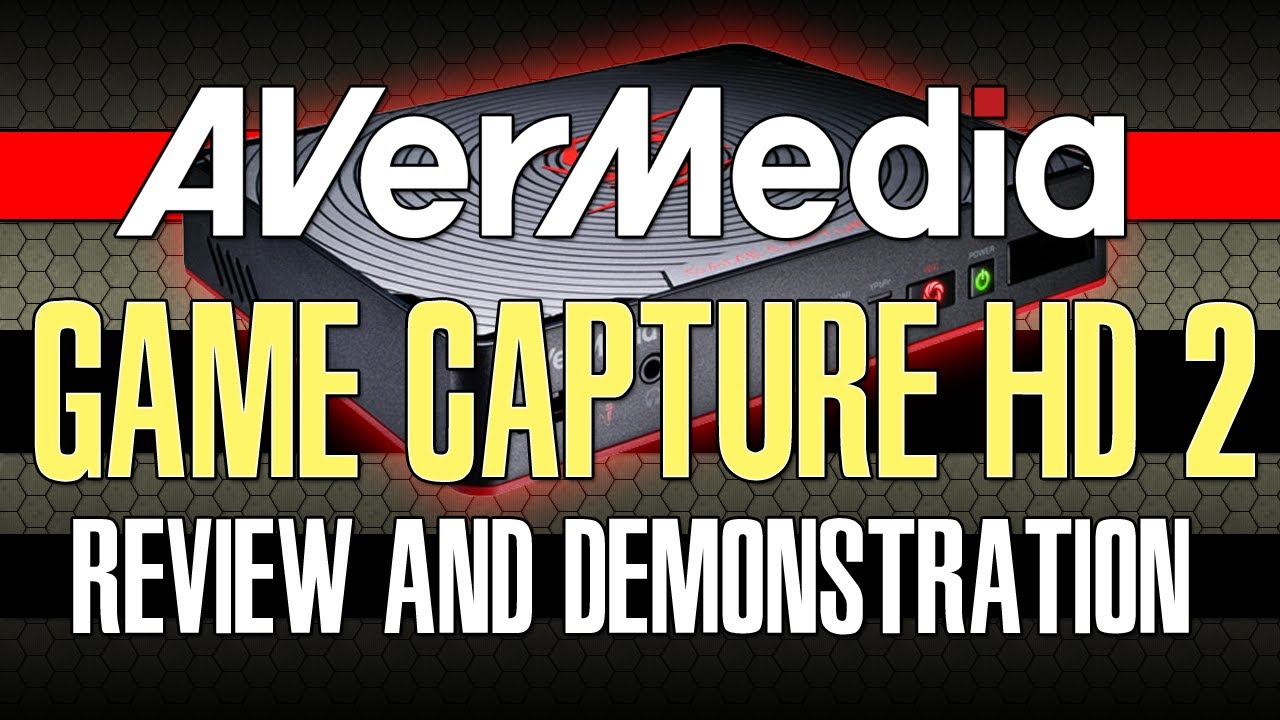
AVerMedia Unveils Game Capture HD II Gameplay recorder without using a PC
Ever wanting to capture you Video Game Console Gameplay, usually in order for you to achieve that you need to have a capture box or a recorder for your console, AVerMedia is one of the popular hardware manufacturer who aims to make that easy at ease.
Recently they Announce their new Gameplay Capture Card which they called it Game Capture HD II, which is the upgraded version of the Game capture HD it’s packed with new features and even an IOS app for you to control your recordings.
Here is the Rundown of the Specs
Connections
Input
- HDMI: Wii U, Xbox 360, Xbox One, PS4
- Component Video & Audio L/R[1]: Wii U, Xbox 360, PS3
- 3.5mm Audio: Microphone (Working Voltage: 3V)
Output
- HDMI (Pass-thru)
- 3.5mm Audio: Microphone
Storage
- USB Port: USB 2.0/ 3.0 Hard Drive*
- SATA Slot: 2.5″ SATA Hard Drive* (9.5mm/7mm height)
Network
- Ethernet LAN (10Base-T/ 100Base-T)
Standards
Resolution
- Input/ Pass-through: 480i, 480p, 576i, 576p, 720p, 1080i, 1080p (max: 1080p@60fps)
- Record: 480i, 480p, 576i, 576p, 720p, 1080i, 1080p (max: 1080p@30fps*)
Recording Format
- MP4 (Codec: H.264, AAC)
Power Management
- 12V/ 1.5A
for full detail visit here and the PDF
What made this Interesting is it is an all in one Capture box, from recording,editing and uploading all in one box and very portable
so if you want to add audio voice just plug in your microphone and headset and your good to go it also has an Ethernet Lan card so you can plug your Lan cable for it to have an internet connection to easily upload it to YouTube.
and one of the new feature is the IOS app called Game Mate where on the app you can control the recording and playback remotely and even capture a snapshot of your gameplay.
of course the usual sharing and scheduling of upload is also available
Hoping this will be available in the Philippines soon and for the price my guesstimate will be around $100 — $200 😀

Comments
No comments yet. Be the first to share your thoughts!